
Clearer order
Choose vehicles that interest you, compare basic information, and prepare before you go to see the vehicle.


Used vehicle evaluation app
UsedCarScore helps you compare vehicles from listings, prepare for an in-person check, rate what you notice on site, and get an informational overview that helps you decide the next step.
You do not need a lot of car experience. The app helps you follow a clearer checking process, organize information better, and prepare your next step with more confidence.
Launch offer
The first 100 users who verify their email address get 30 days of PRO for free – including 5 AI advice credits.
A support tool for used vehicle buyers — between listing search, vehicle check, and final decision.
Why it matters
When you are buying a used car, it is easy to get lost between listings, advice, YouTube videos, VIN checks, and different opinions. Even when you learn the vehicle history from a VIN check, the question still remains: what condition is the vehicle in today? UsedCarScore helps you make the process more organized — from the first interest in a vehicle, through the on-site check, to a conversation with a mechanic or a trusted person.
Choose vehicles that interest you, compare basic information, and prepare before you go to see the vehicle.
Keep important details, first impressions, and questions for the seller in one place instead of trying to remember or write everything separately.
Decide more easily what needs another check, what to ask the seller, and when to involve a mechanic or a trusted person.
Where it fits in the buying process
UsedCarScore is not a replacement for listings, VIN checks, or a mechanic. The app helps you organize information, compare vehicles, and prepare questions between those steps before making a final decision.

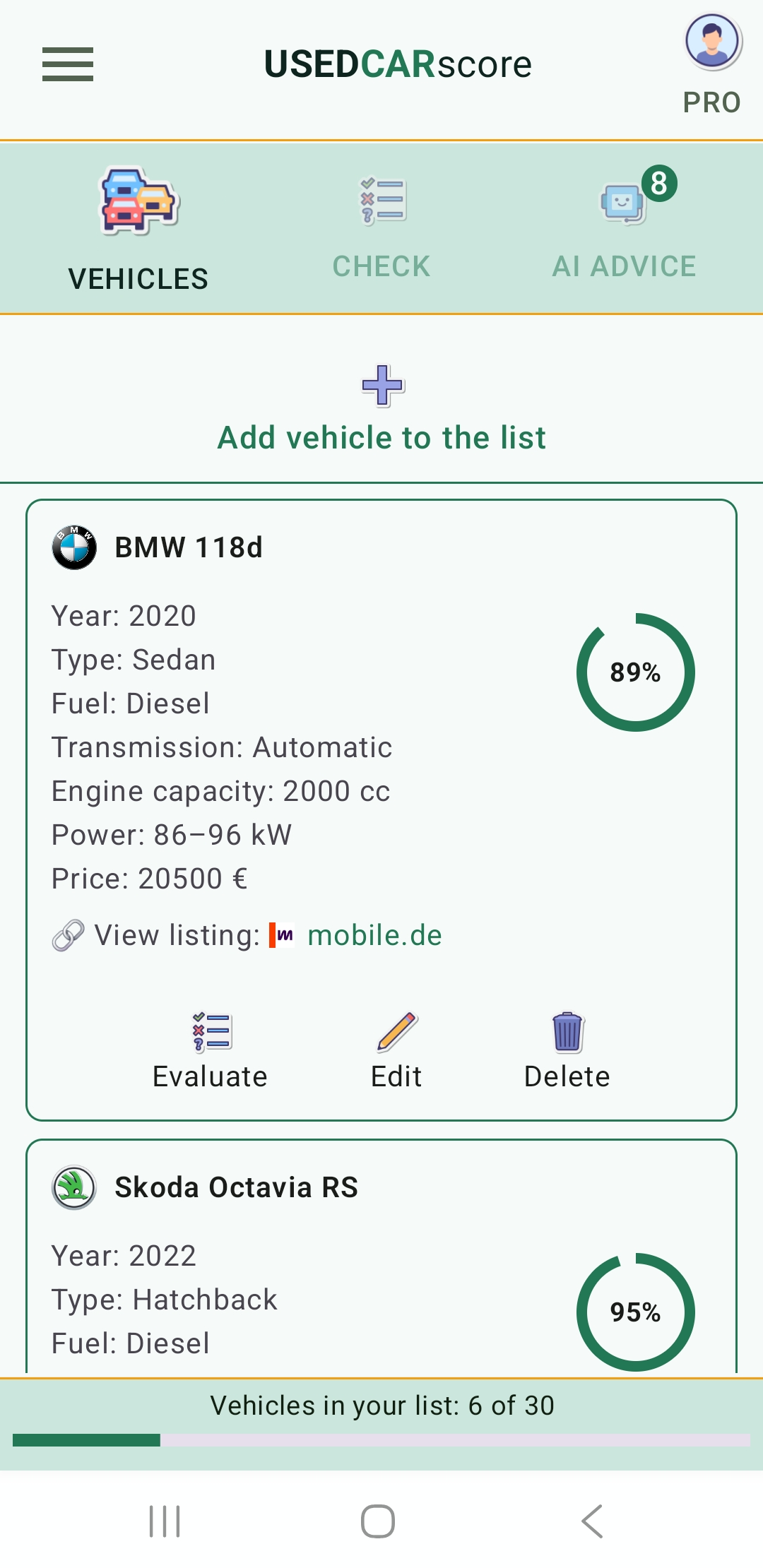
Add vehicles that look interesting and keep basic details, listing links, and first impressions in one place.

Request AI advice for a general impression of the models, their typical use, and things worth checking more carefully.

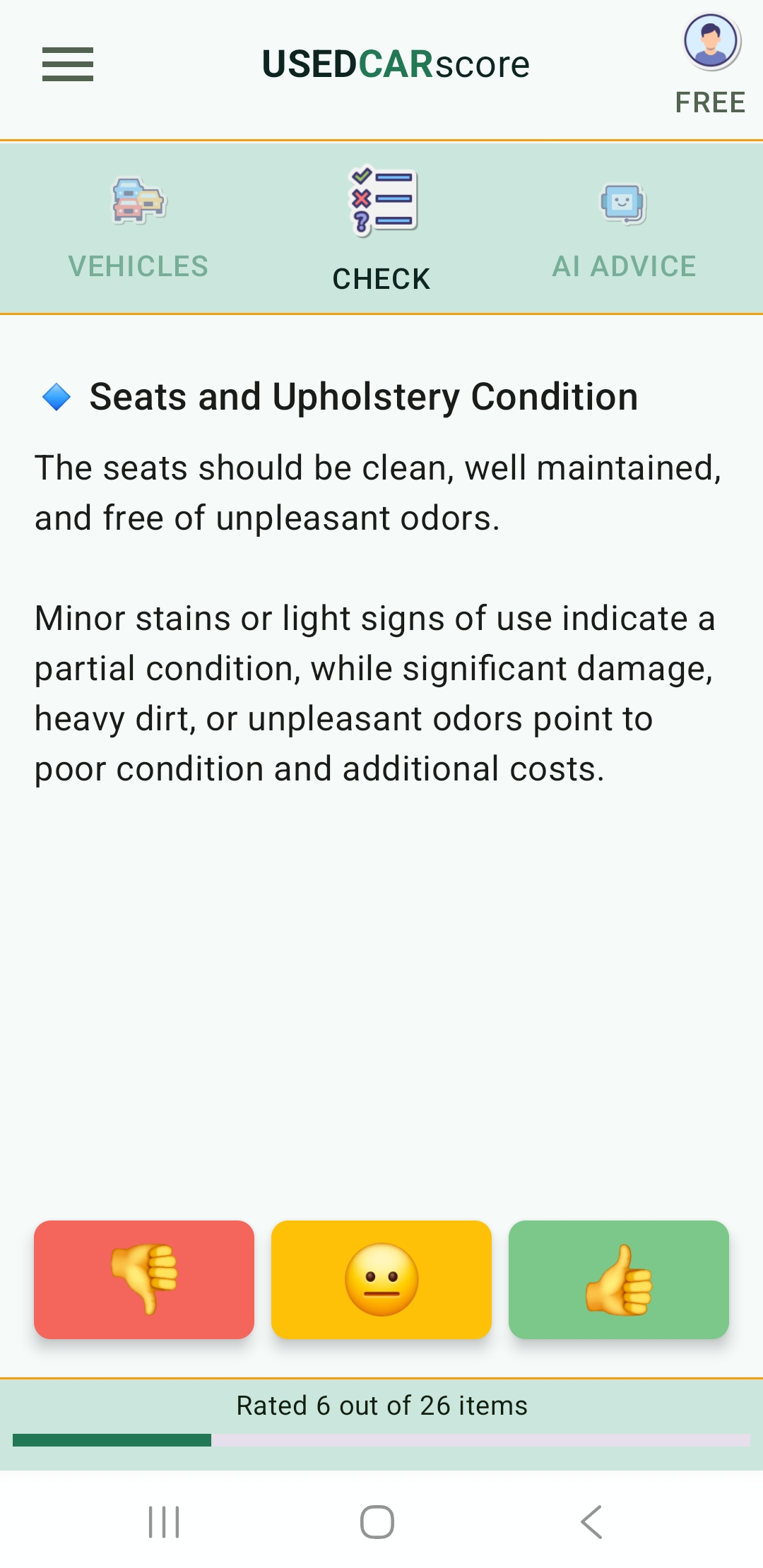
Use the guided checklist on site and rate what you see, hear, or notice during the viewing and test drive.

Generate a report and share it with a mechanic or a trusted person so you can prepare the next step more easily.
Guided checklist
When you go to see a vehicle, UsedCarScore guides you through items you can check on your own. You rate each item based on what you see, hear, or notice during the viewing and test drive.
You do not need to know everything about cars. The goal is to avoid skipping important details and turn your observations into a clearer overview of the vehicle condition.
Features
UsedCarScore helps you organize vehicles you are considering, check what you can notice on your own, get an informational opinion, and prepare material you can share with a trusted person.
Follow a structured checklist for checking a used vehicle, including visible condition, mechanical signals, and test drive impressions.
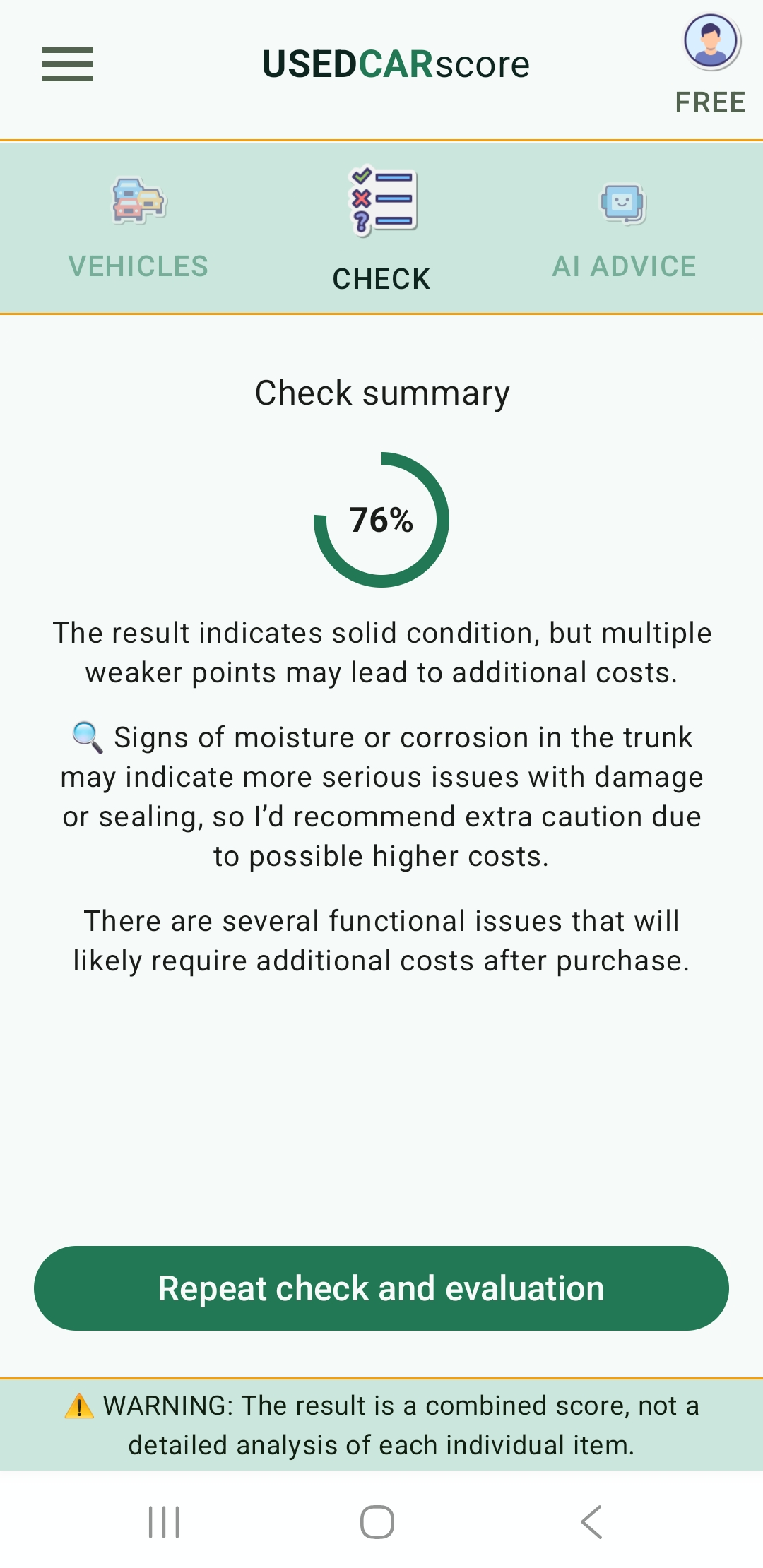
Get an informational overall score and a short explanation that helps you better understand the impression of the vehicle.
Save vehicles from listings, basic details, links, and check results in one place through PRO features.
Request an informational AI opinion when you are considering models from listings or when you want another look at a vehicle you have already rated.
Generate vehicle reports and share them with a mechanic or a trusted person.

Use the app in multiple supported languages for a more accessible used vehicle evaluation experience.
Plans
The FREE plan is intended for a basic check of one vehicle, while PRO unlocks vehicle saving, AI advice, reports, and easier tracking of multiple cars you are considering.
For a basic used vehicle check
Useful when you want a quick vehicle check through the checklist, without saved history or additional PRO features.
For users who want to save vehicles, use AI advice, and share reports
PRO features are activated through Google Play Billing inside the Android app.
Vehicle organization
When you browse several listings and consider multiple cars, it is easy to forget what you saw where, what you liked, and which things still need another check. With PRO, UsedCarScore helps you keep vehicles, details, check results, and reports organized in one place.
This makes it easier to return to a previous evaluation, compare several vehicles, and prepare questions for the seller, a mechanic, or a trusted person.
UsedCarScore is an informational tool that supports decision-making. It does not replace a professional vehicle inspection, a mechanic, a legal vehicle history check, or any guarantee of vehicle condition.
Checklist results, overall score, reports, and AI advice are based on the information entered in the app. For a detailed technical, legal, or safety assessment, consult a qualified professional.